01 Capture
From one photograph, or a whole list, to finished records.
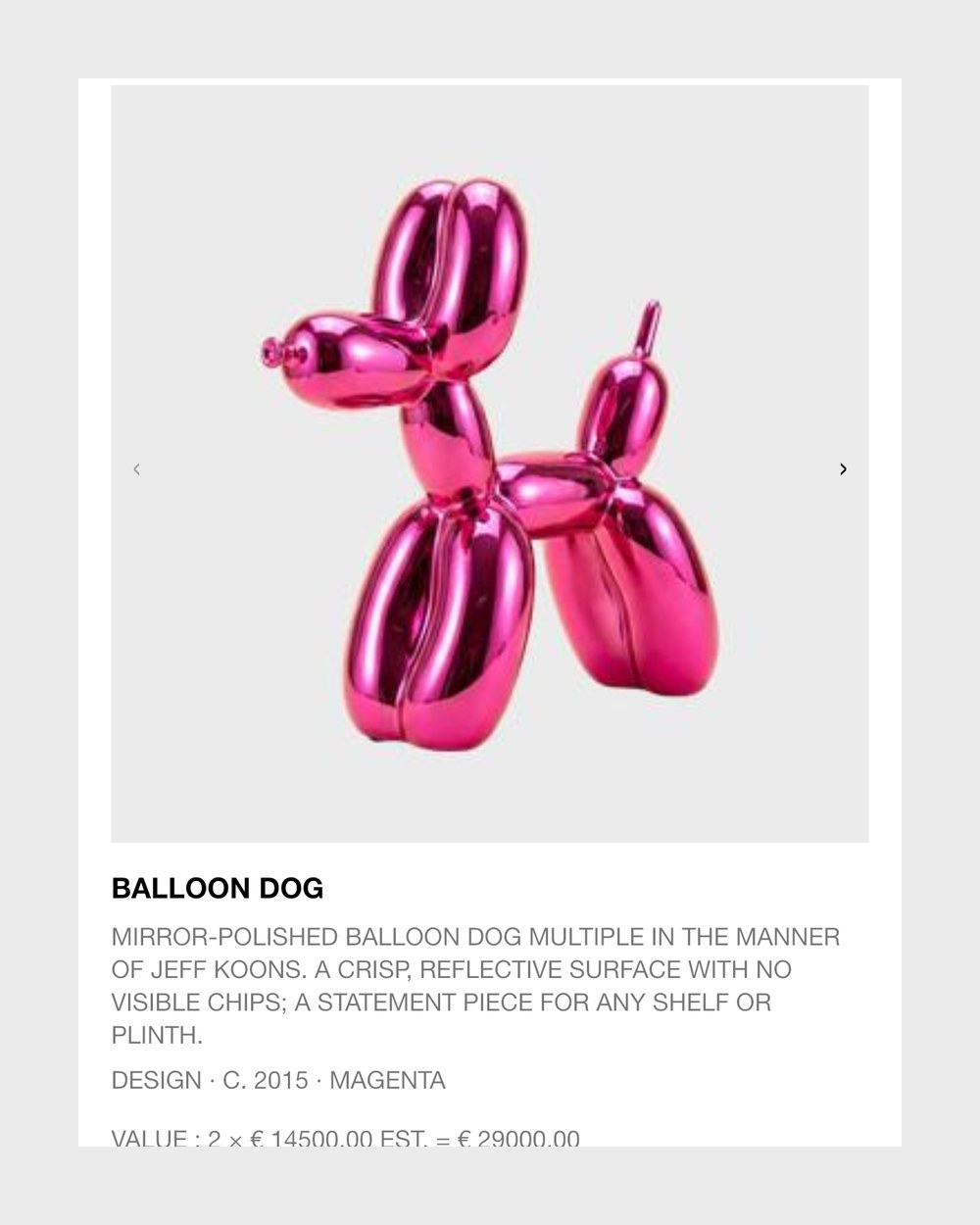
One photo, one recordPhotograph an object: the AI names it, finds the brand, estimates its value and size and writes the description. 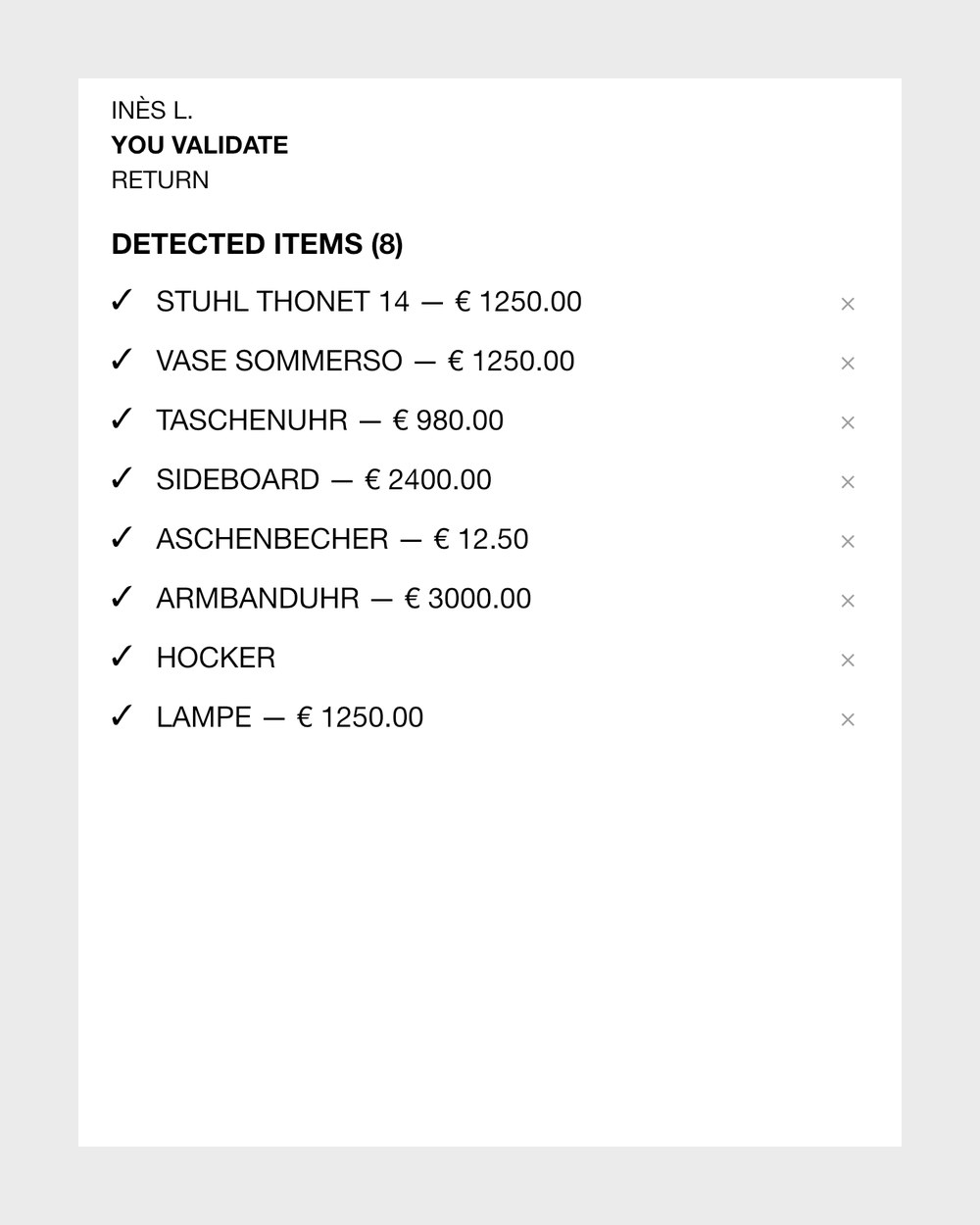
Collection importImport an existing list from Excel, CSV, PDF or photos, check what was found, then confirm it all at once.
- Guided cameraThe camera asks for the object, then its label, flags blurred shots and splits photos of different objects.
- Batch photosAdd a whole set of photos to a folder, and each one becomes its own object.
- Offline and in the backgroundPhotos taken offline wait until you are back online, and you can close the app while the AI works.
02 The record
What Collecteur knows about each object, and how you check and refine it.
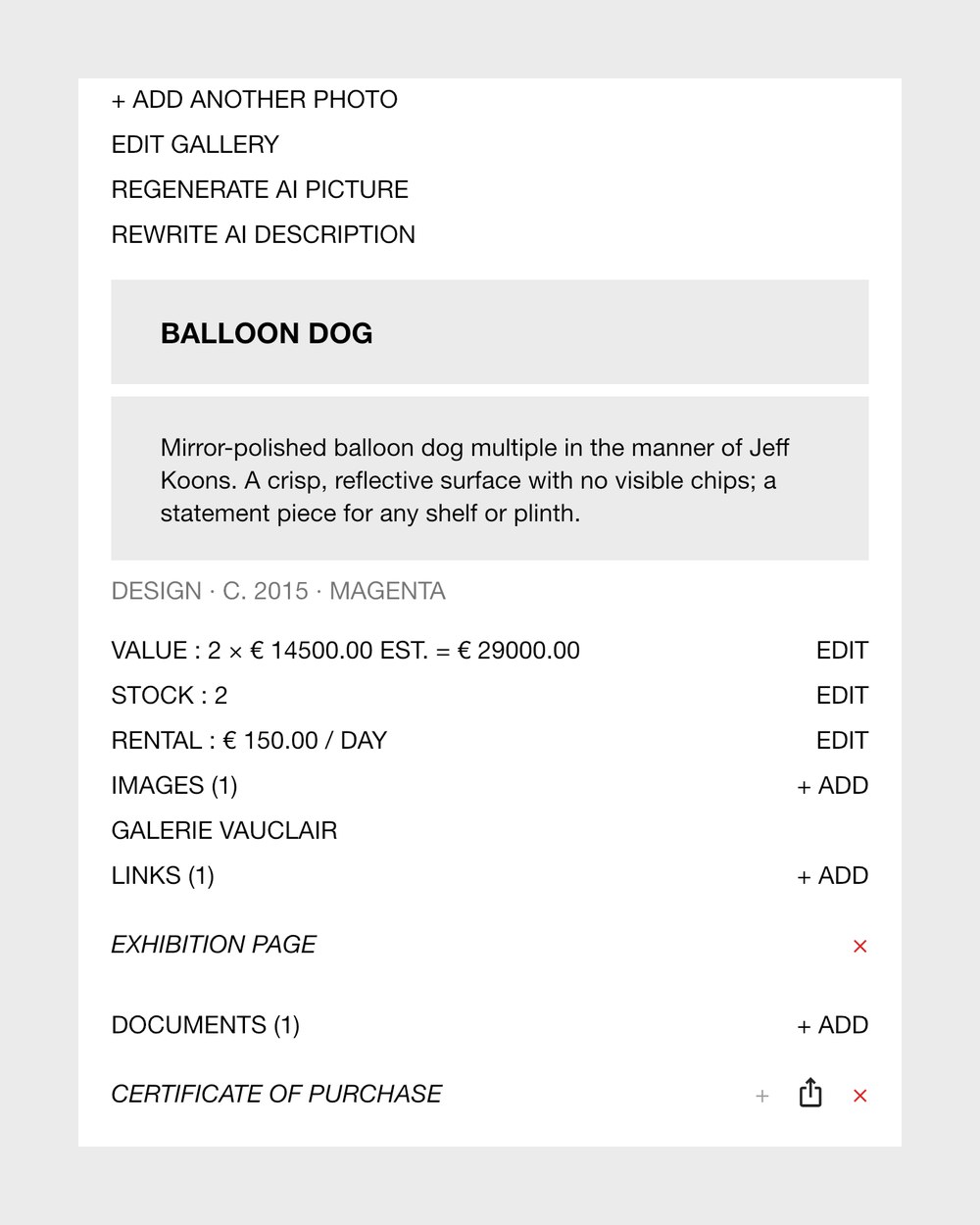
Cut-out and AI coverEach object gets a cut-out and a polished AI cover, which you can regenerate with a note; your photos stay. 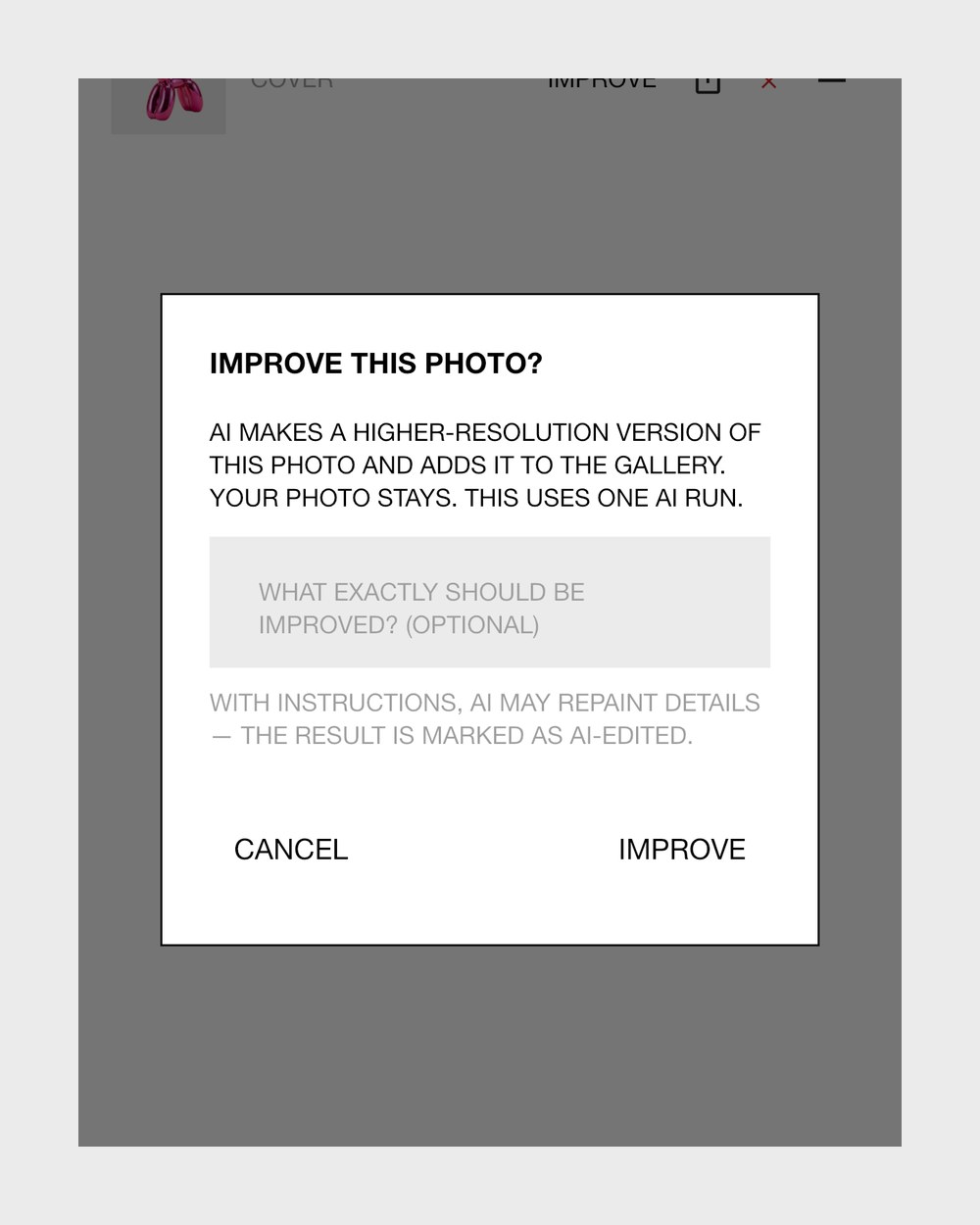
ImproveMakes a sharper, higher-resolution copy of a photo, or edits it from your note, beside the original. 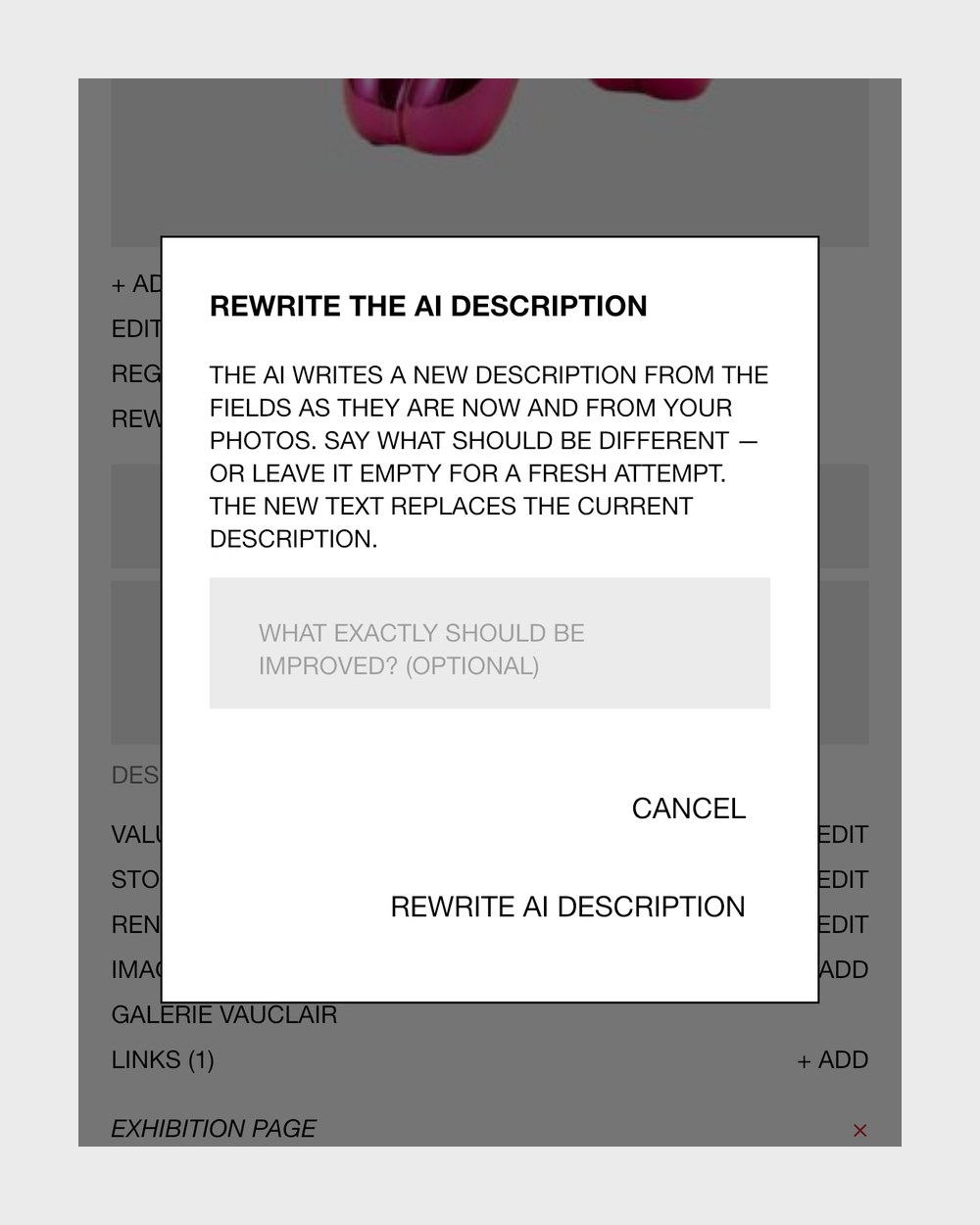
AI descriptionsThe AI rewrites an object's description from its details and photos, and writes a folder's from its cover photo. 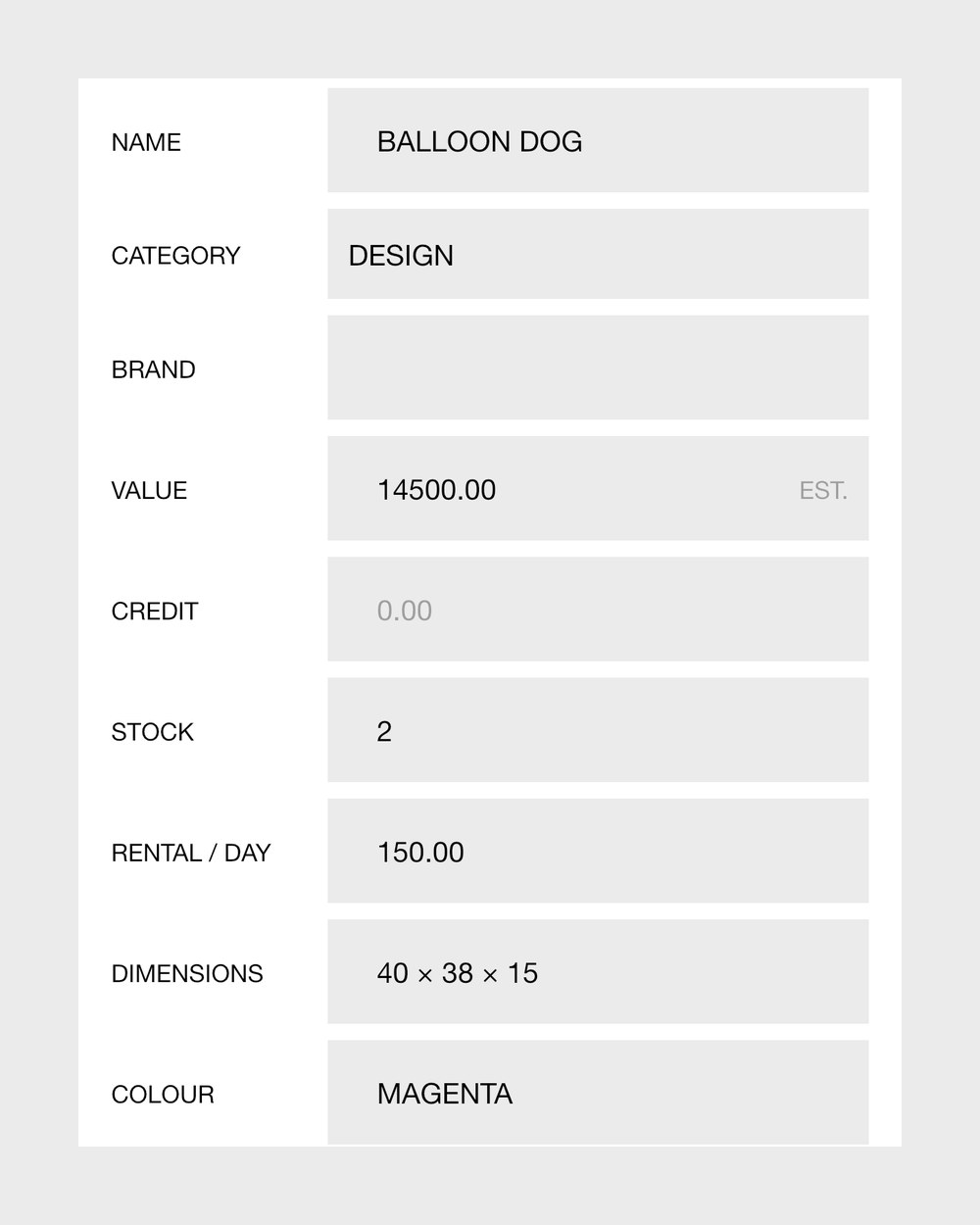
The object recordName, brand, category (21 or your own), size, colour, year, specifications and description, all editable. 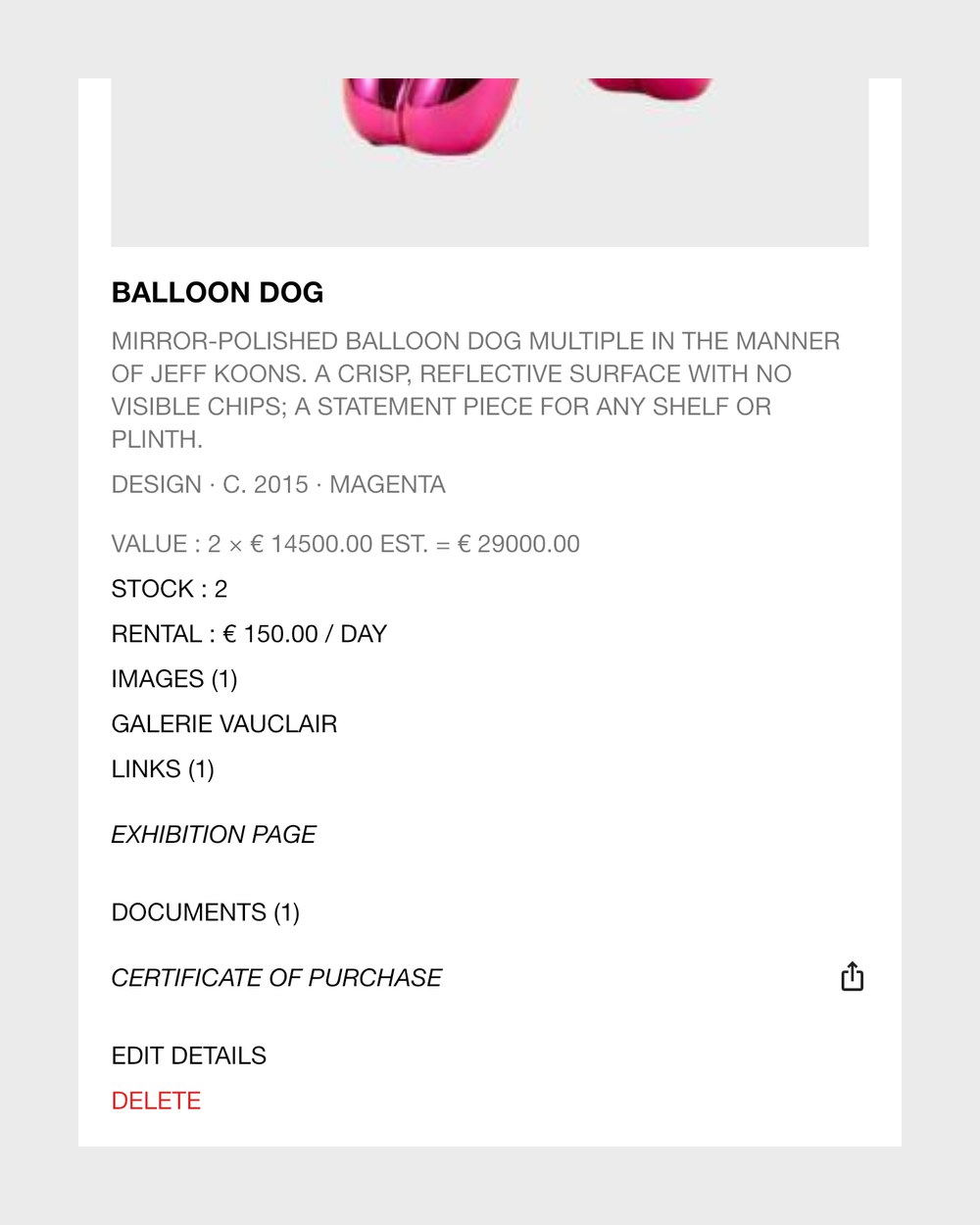
Value, stock and rentRecord the value, how many you hold, a daily rental rate and any credit still owed, and see the net value. 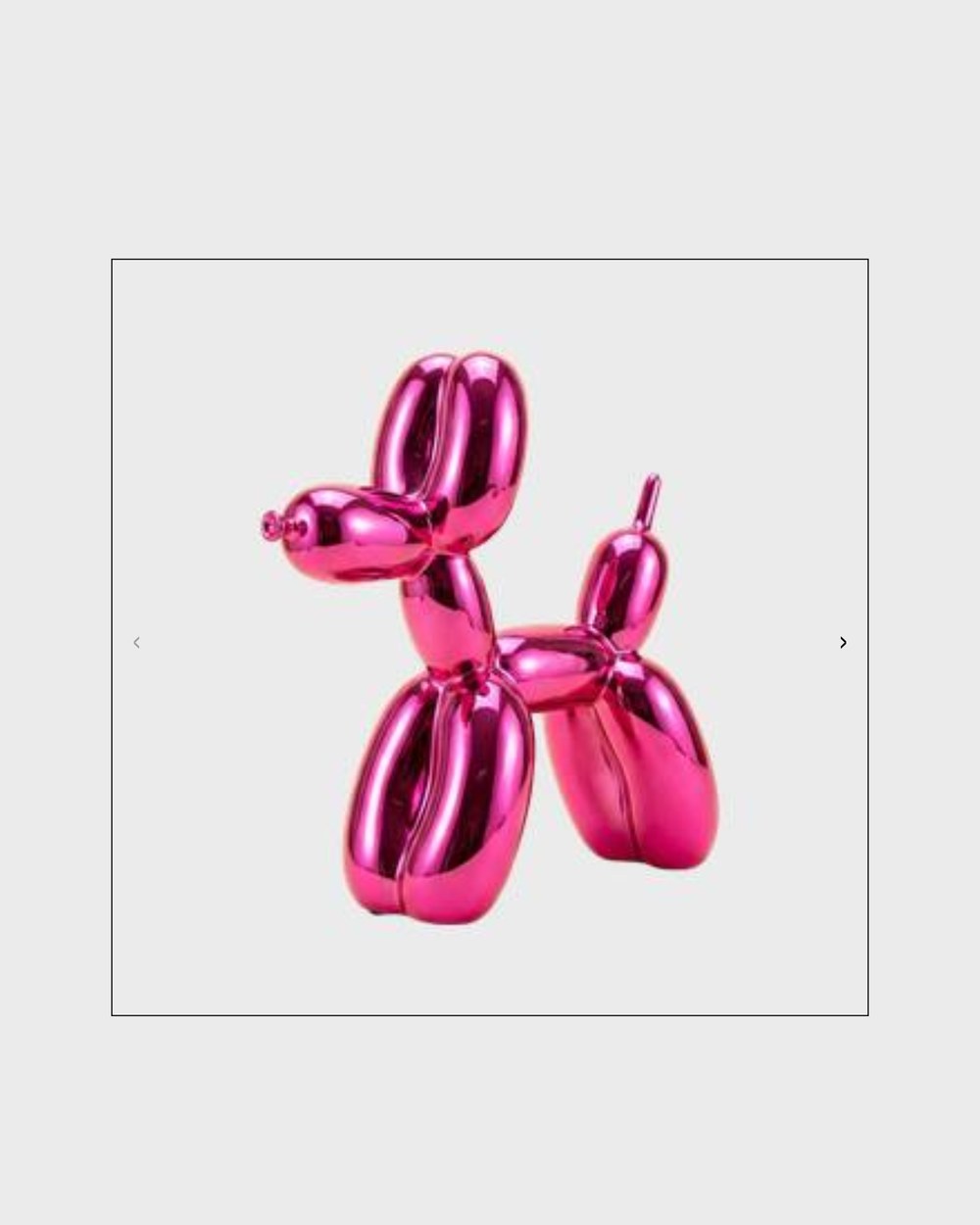
Photo galleryAdd, reorder and delete photos, choose the cover, and open any picture full screen to zoom in.
- Check the AIBefore saving, accept or change the AI's value estimate, or correct the name and let it look again.
- Documents and linksAttach documents and links to objects, folders and people; on iPhone, send PDFs in from other apps.
03 Organise
Folders, views and a home screen, arranged the way you think.
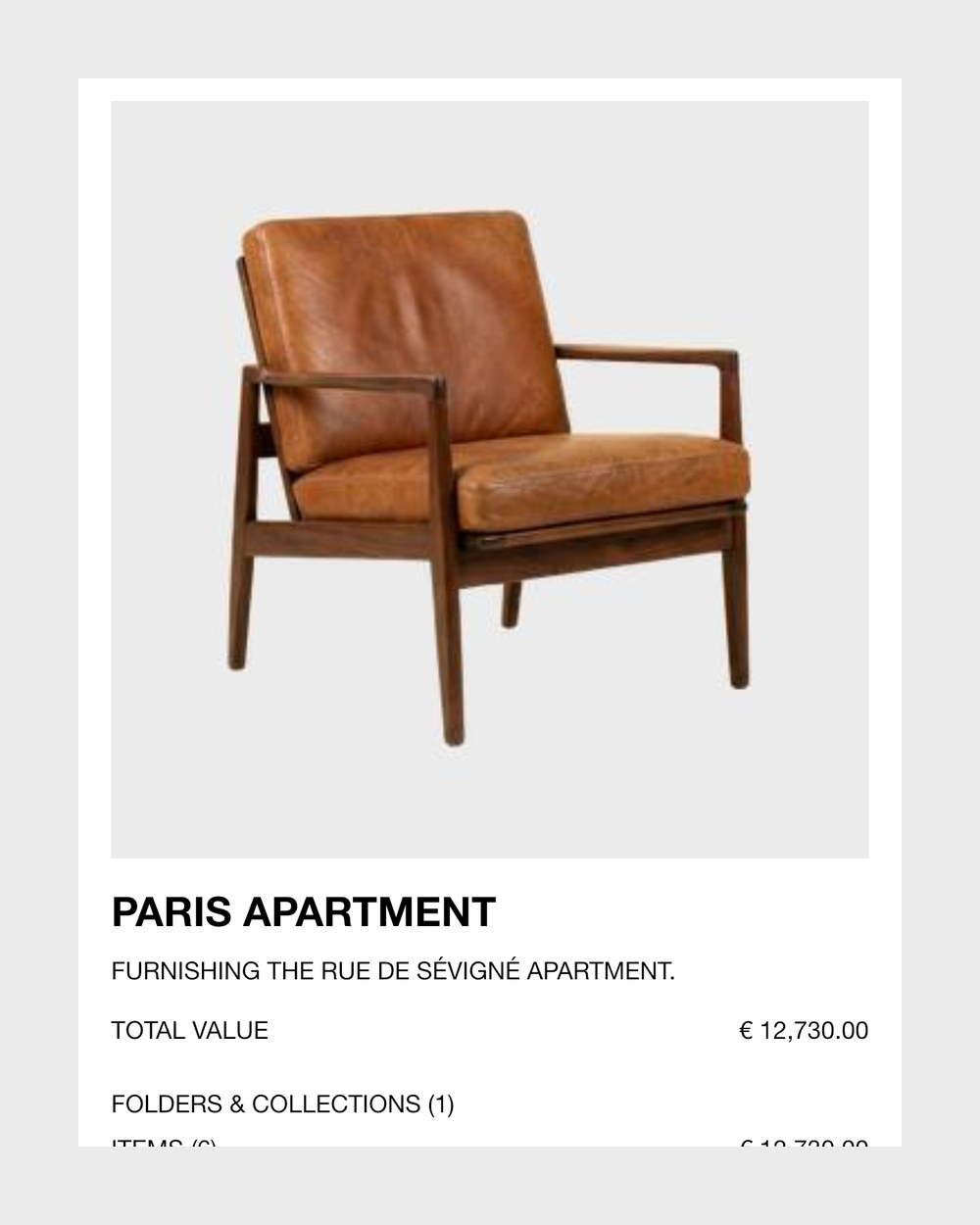
Folders and collectionsNest folders as deep as you like, or use collections; each has a cover, a description and its total value. 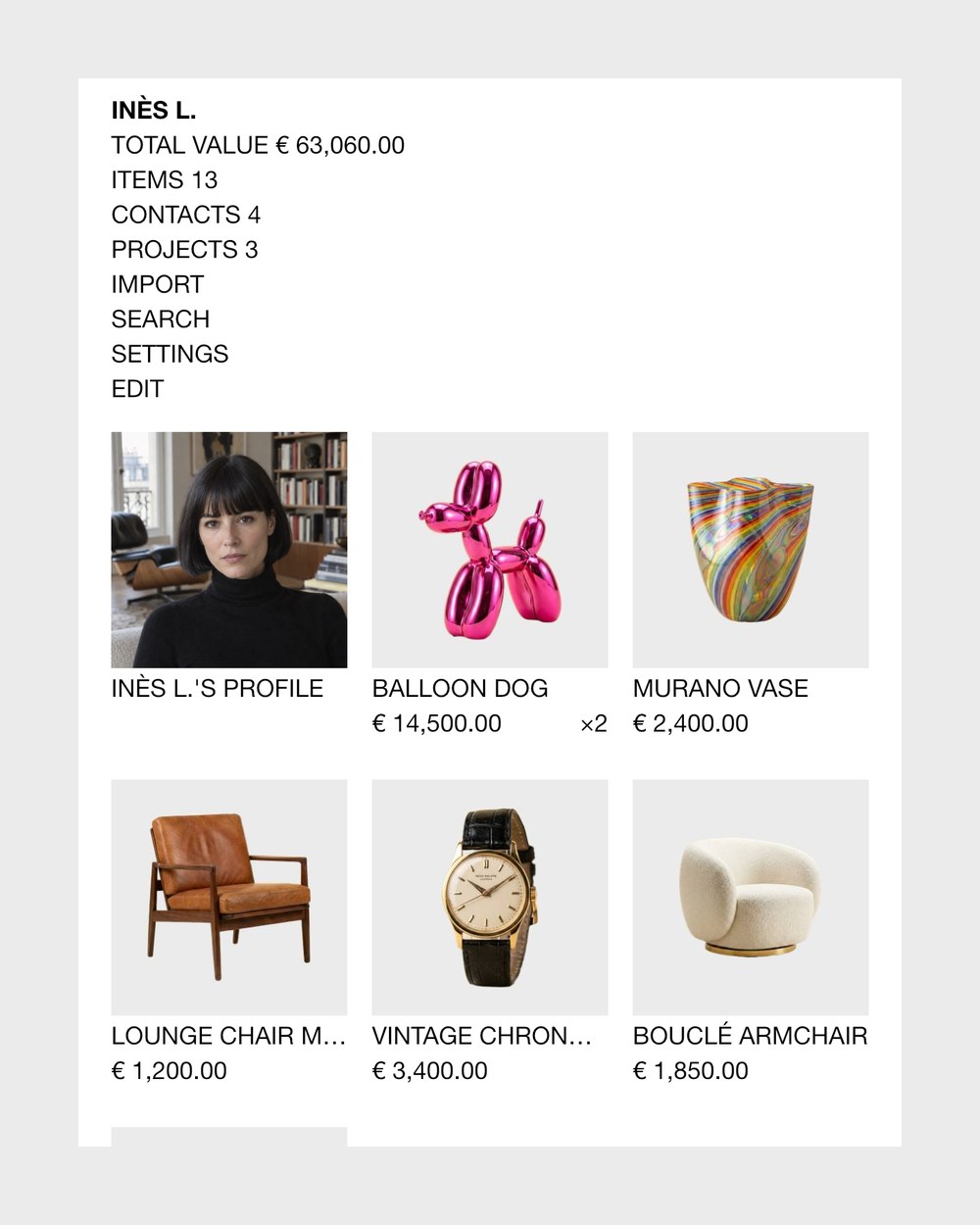
HomeHome shows your totals and the objects, folders and people you pin there, in your order, on every device. 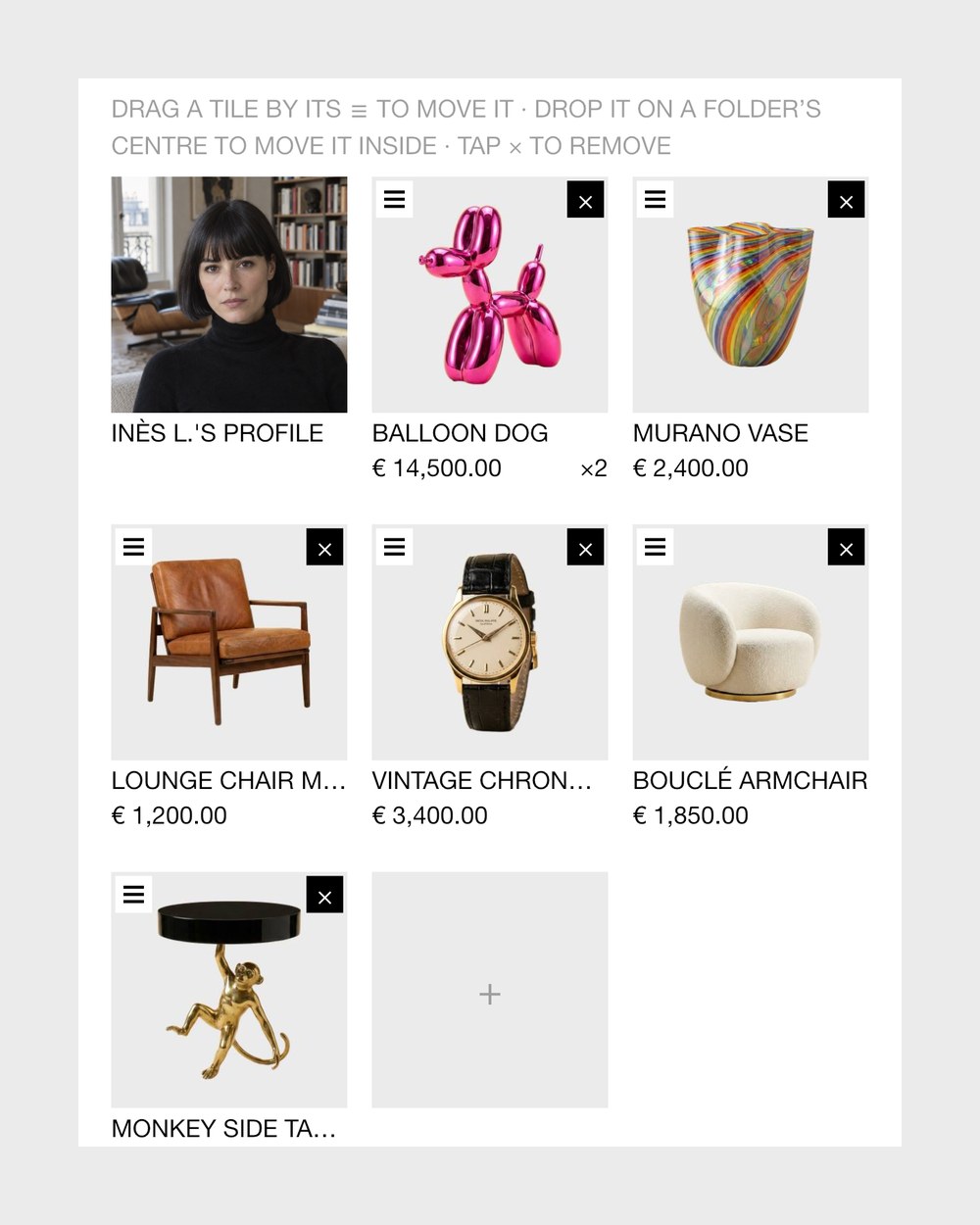
Move and rearrangeSelect several objects to move or archive at once, and drag tiles to reorder them or drop them into folders. 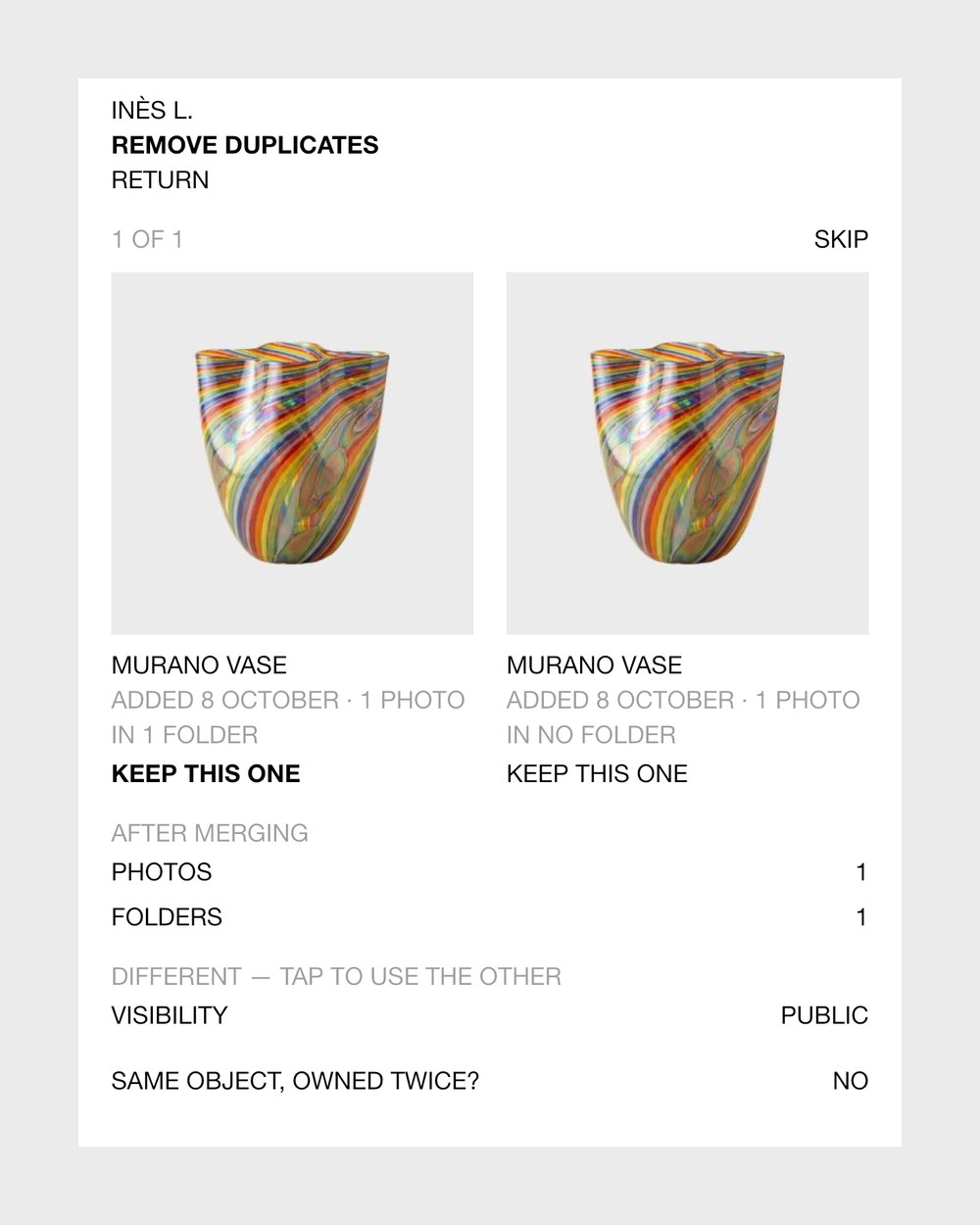
Remove duplicatesCollecteur finds objects that look like the same thing and merges each pair you confirm, keeping every photo.
- Sort out itemsThe AI proposes groups of similar objects in a folder; nothing moves until you apply it, and you can undo it.
- Grid, list and treeView objects as a grid, a list or a tree of all folders, sorted by newest or value and filtered by category.
04 Find
Ask for anything in your collection, or in other collectors' public ones.
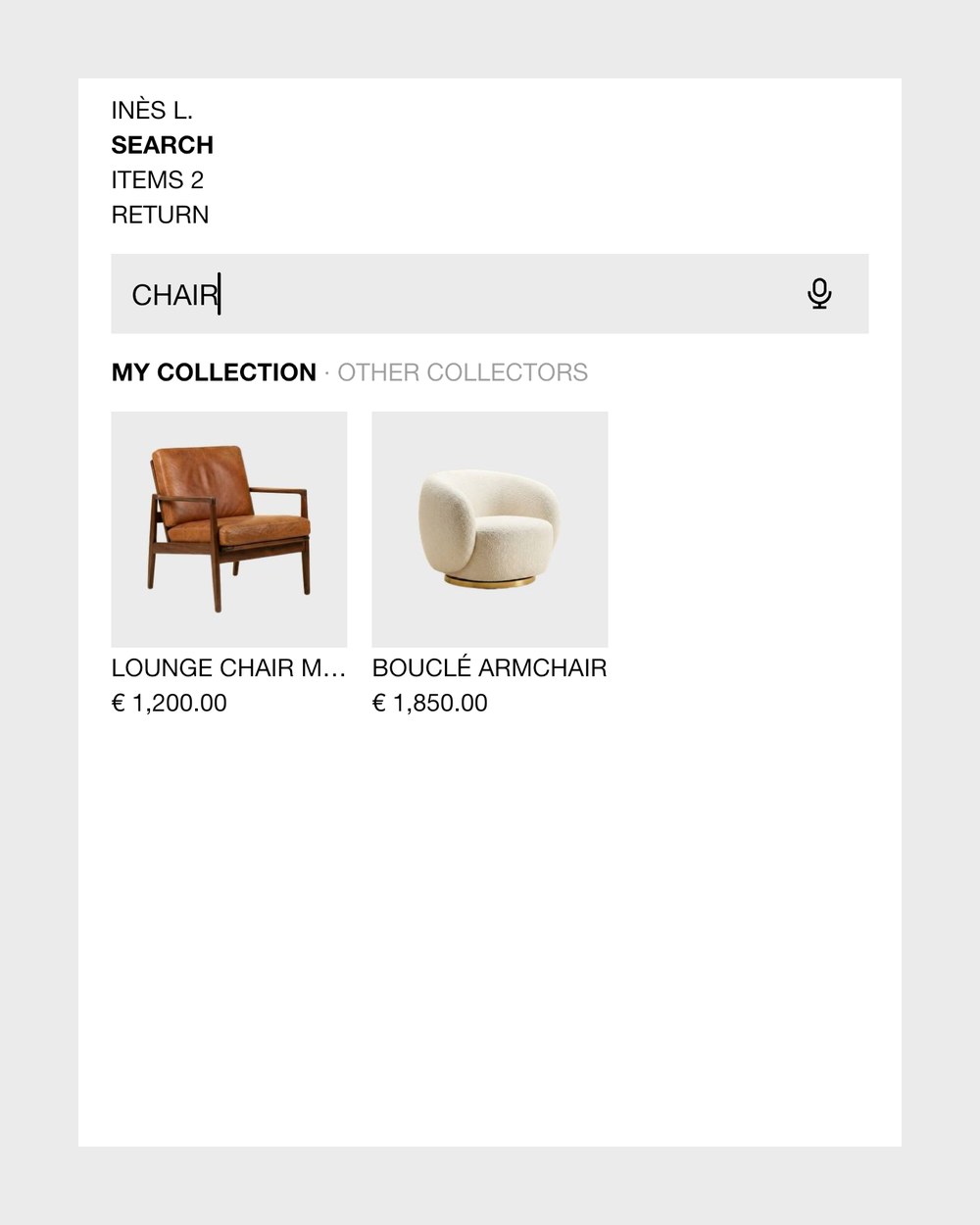
Everyday searchAsk in plain words across objects, people and folders, and the AI also matches by meaning: green armchairs under €500. 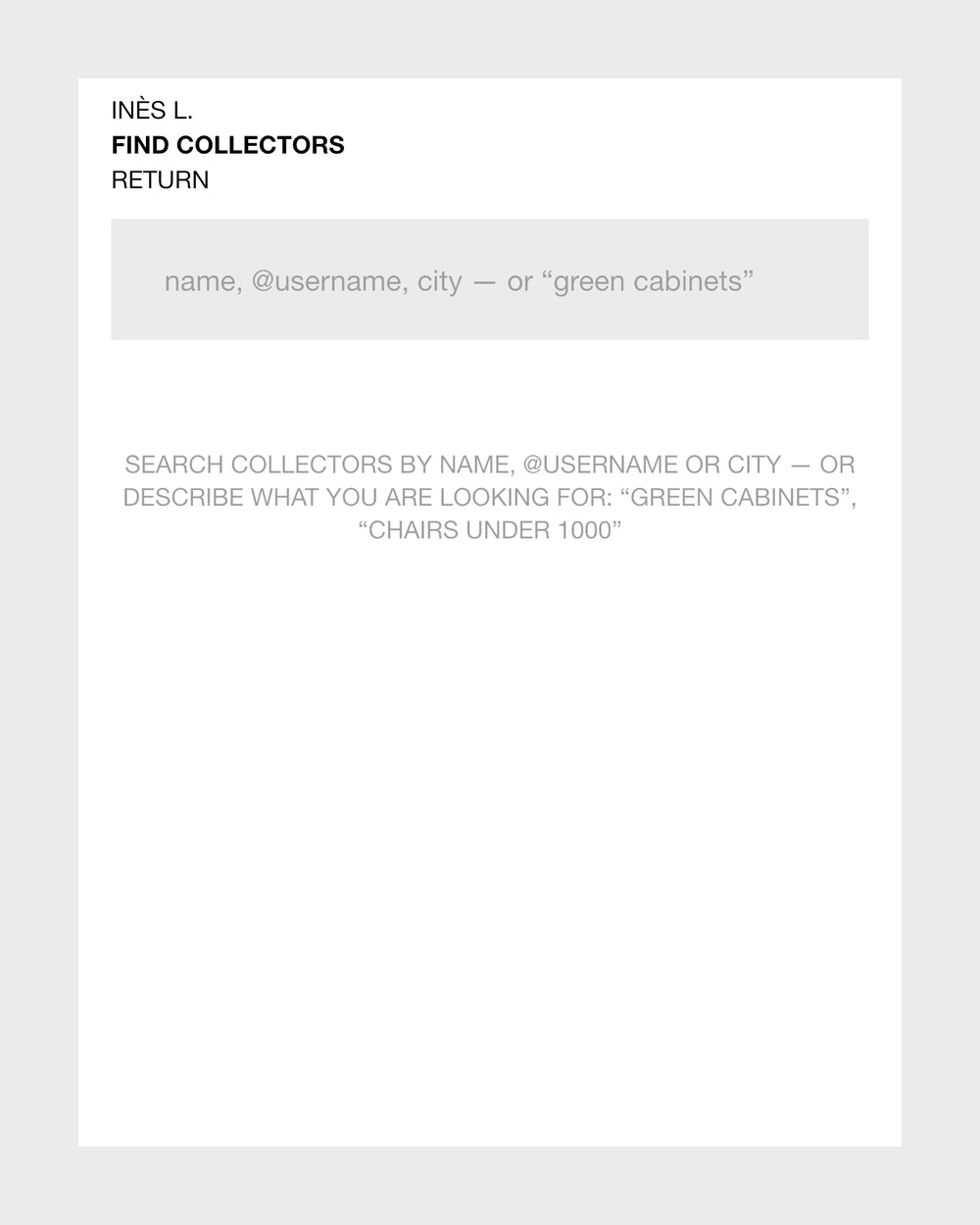
Find collectorsFind other collectors by name, @username or city, or describe an object to find it in public collections.
- Voice searchSay what you are looking for; the iPhone turns it into text and runs the search.
05 People
The dealers, galleries and friends around your objects.
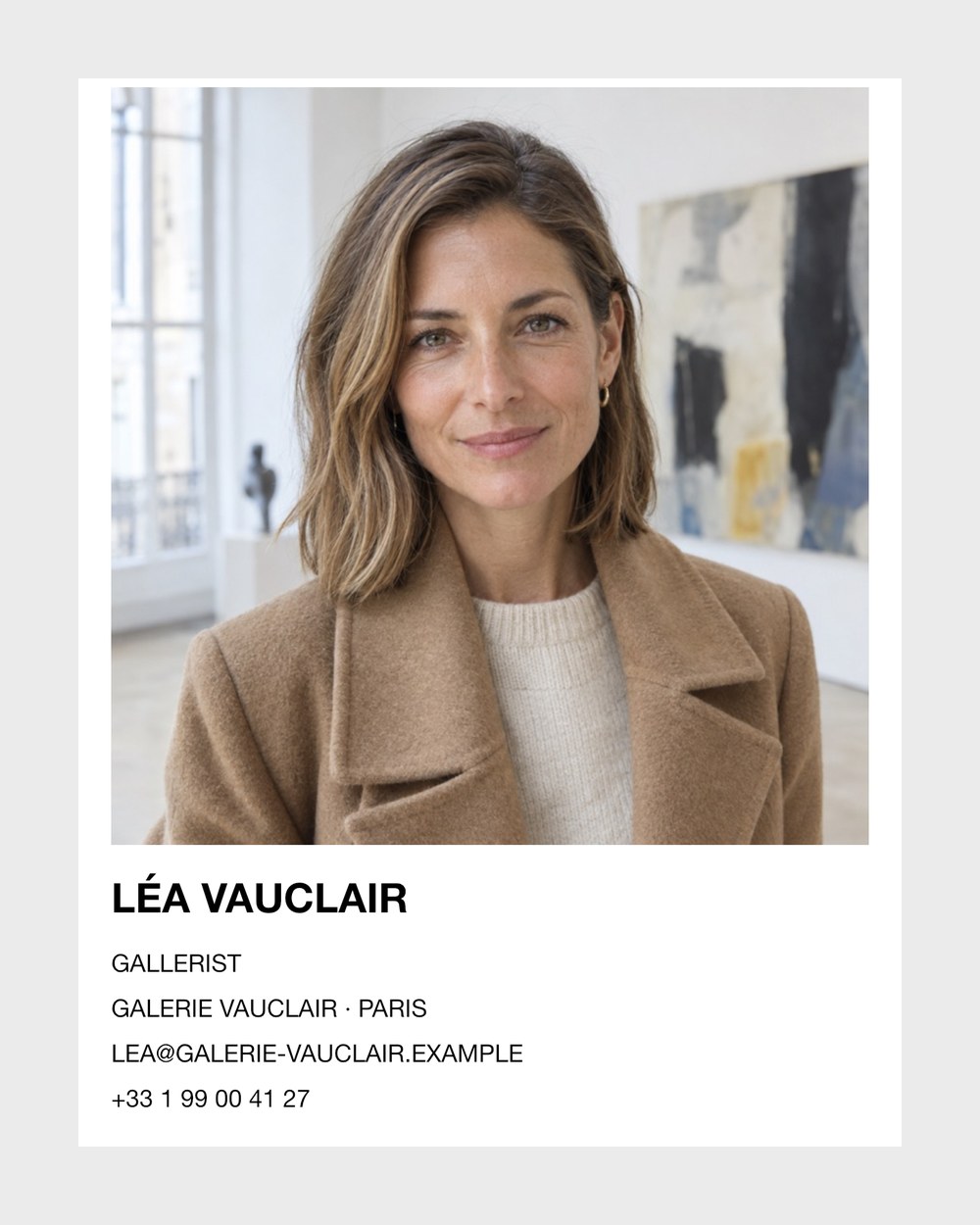
Contact cardsEach person holds phones, addresses, birthday, rating and categories, linked to the objects and folders they belong to. 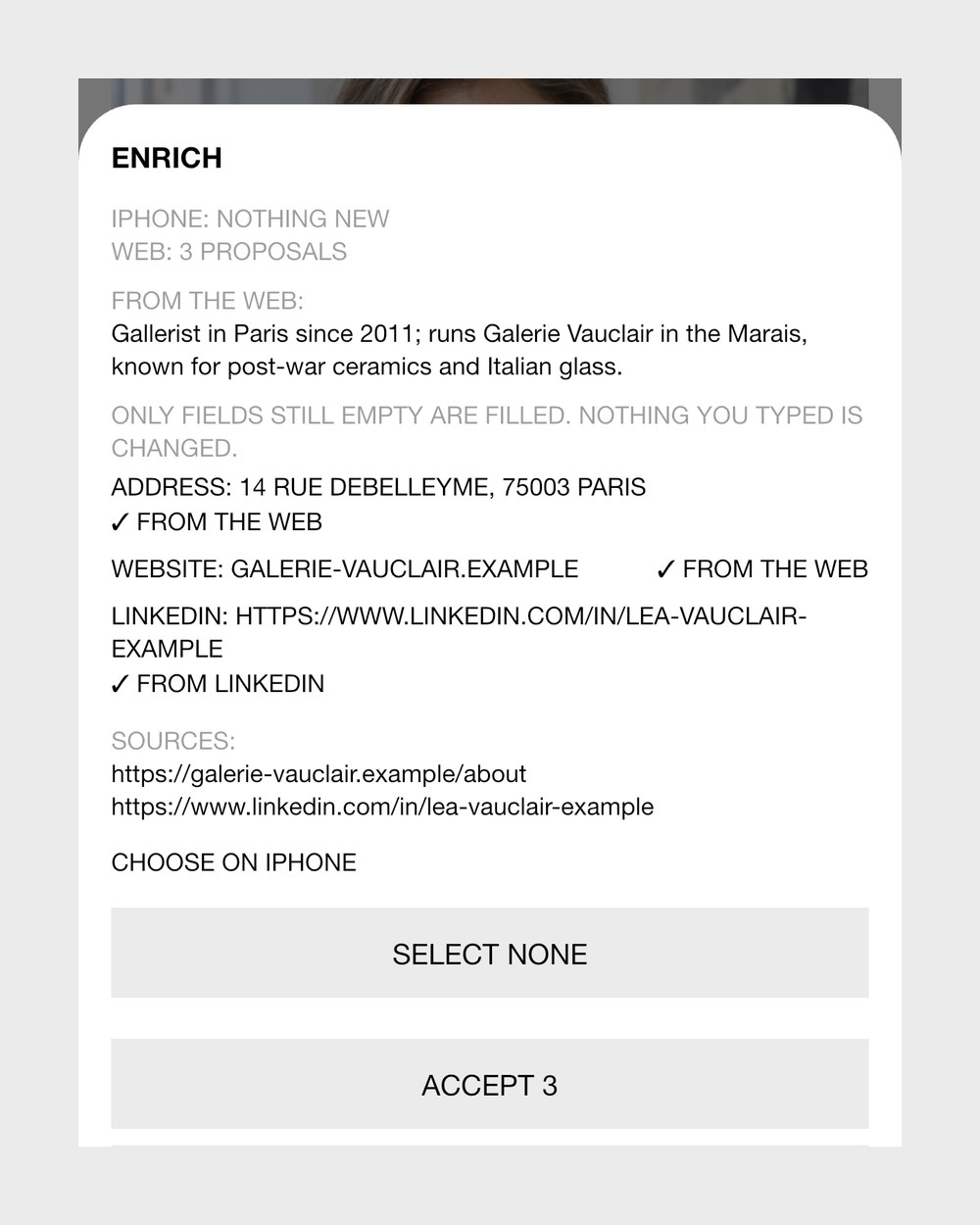
EnrichLooks a person up on the public web and LinkedIn and shows every fact with its source before anything is kept. 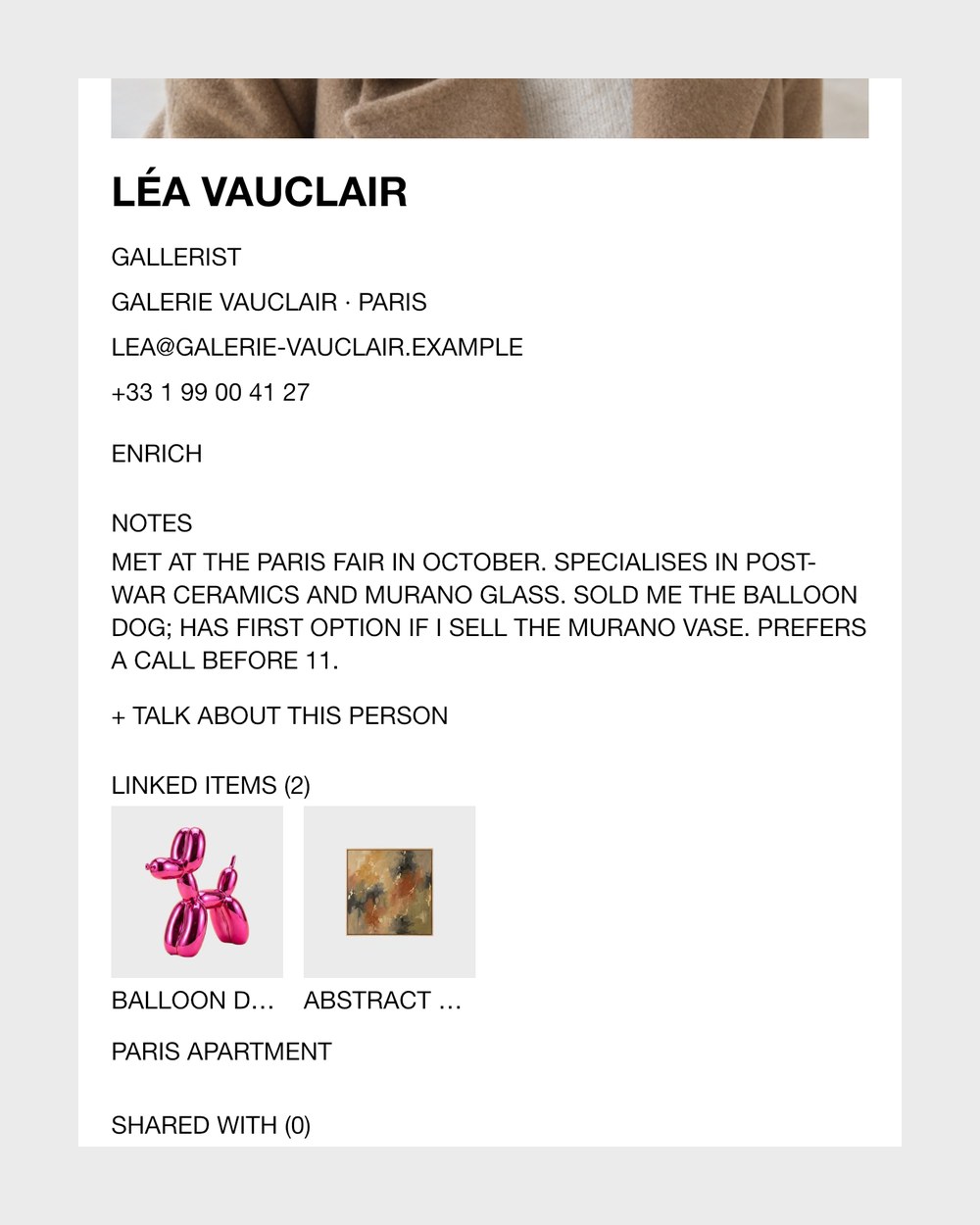
Voice notesTalk about a person and the AI writes a tidy summary on their card that you can reread. 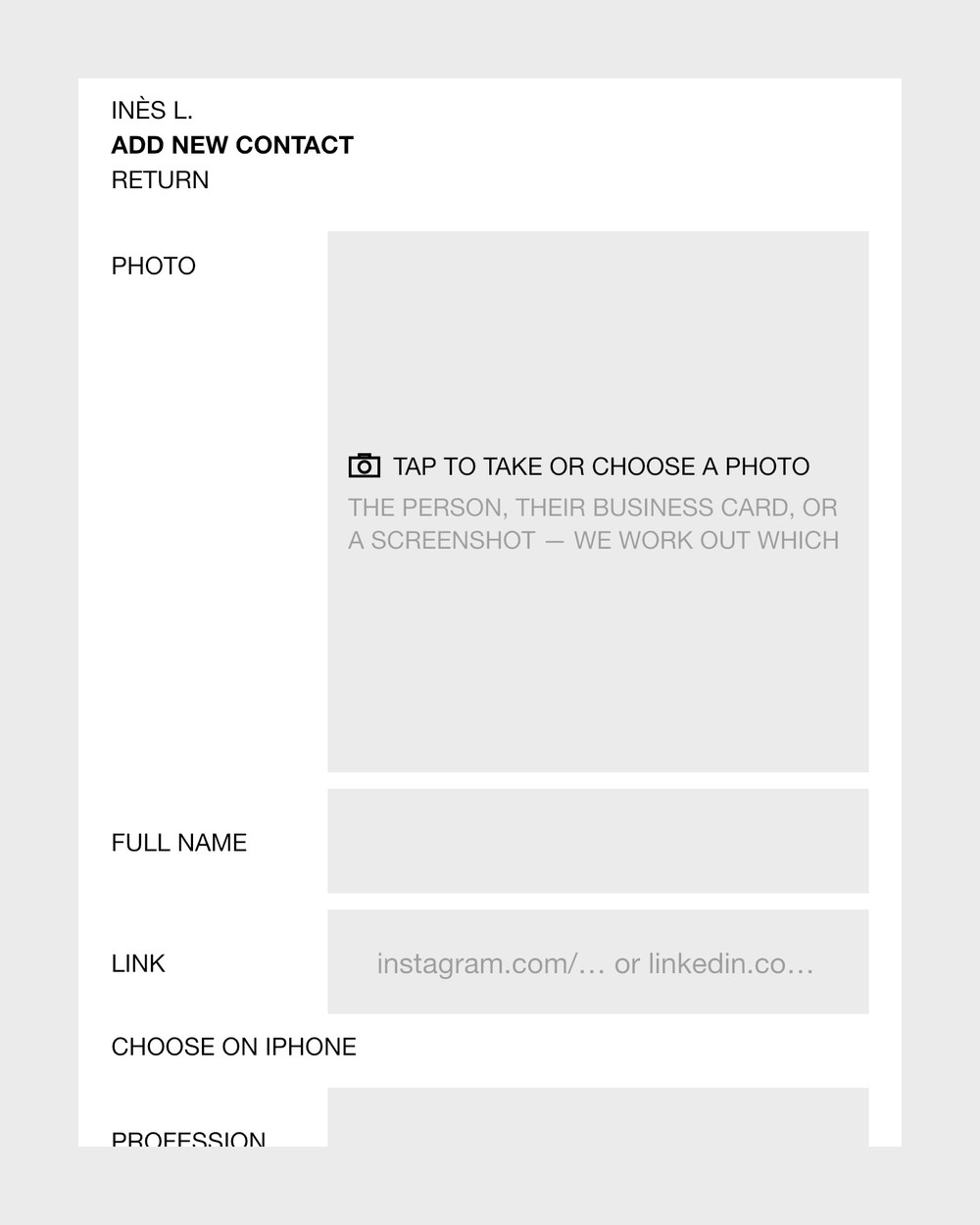
Card scanScan a business card, a signature or a LinkedIn screenshot to fill the form; a portrait gets a clean background. 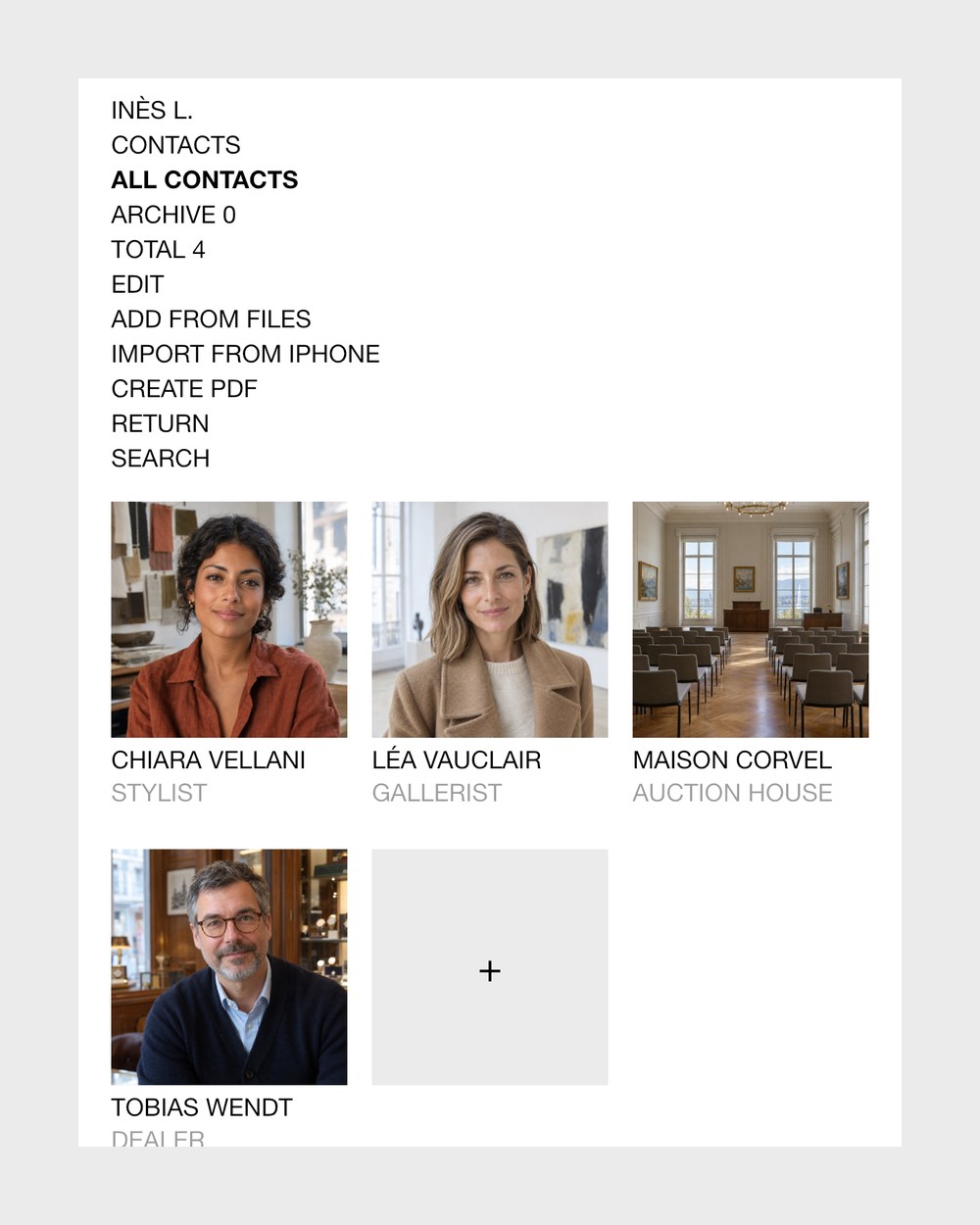
Contacts from filesDrop spreadsheets, PDFs or screenshots and get one list of people, merged across files, for you to confirm. 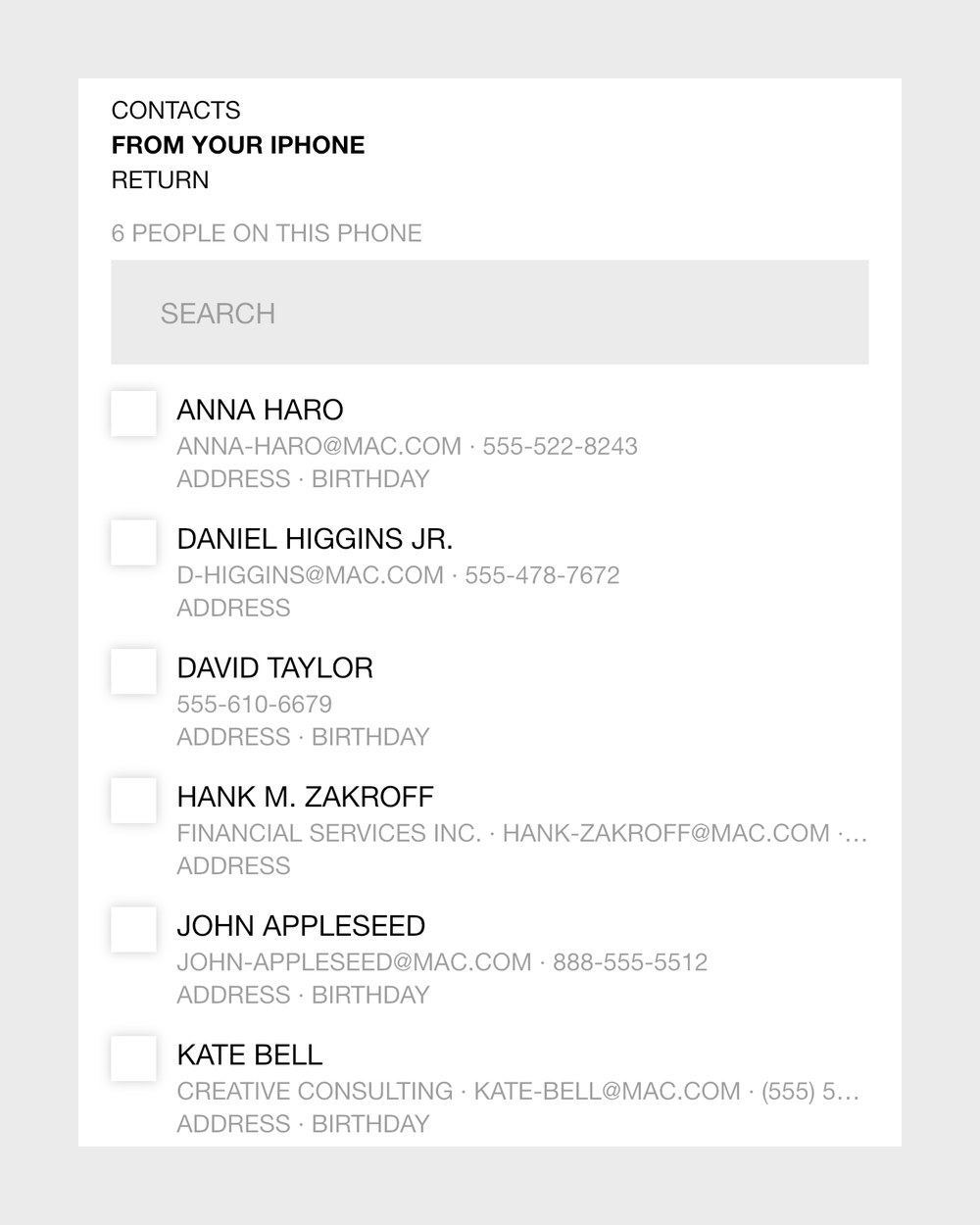
iPhone contactsPick people from your iPhone contacts, nobody preselected, or fill a card's empty fields from your iPhone.
06 Share and show
Private by default; shared or shown only where you decide.
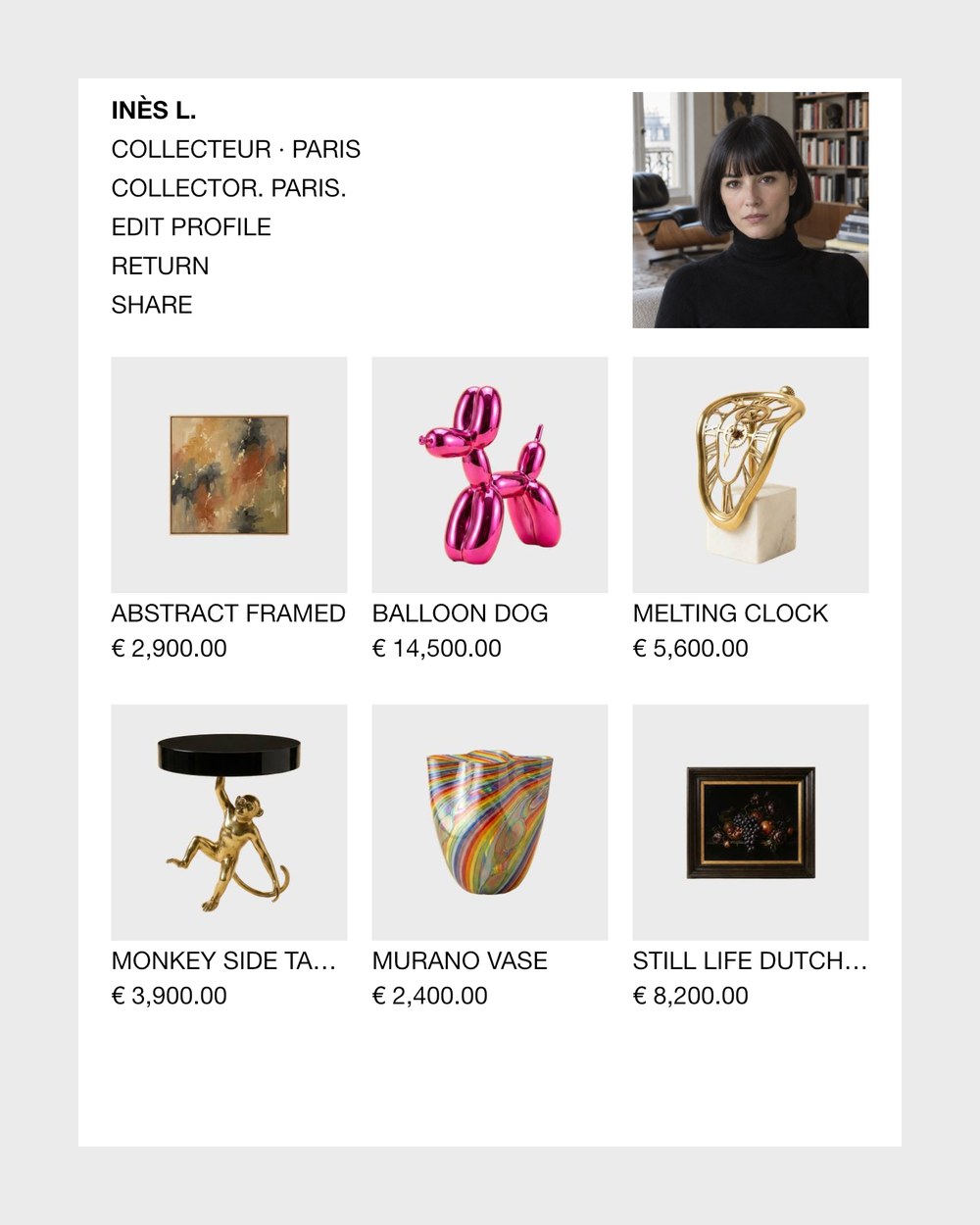
Public showroomYour page at collecteur.ai/yourname shows the objects and folders you publish, never your contacts. 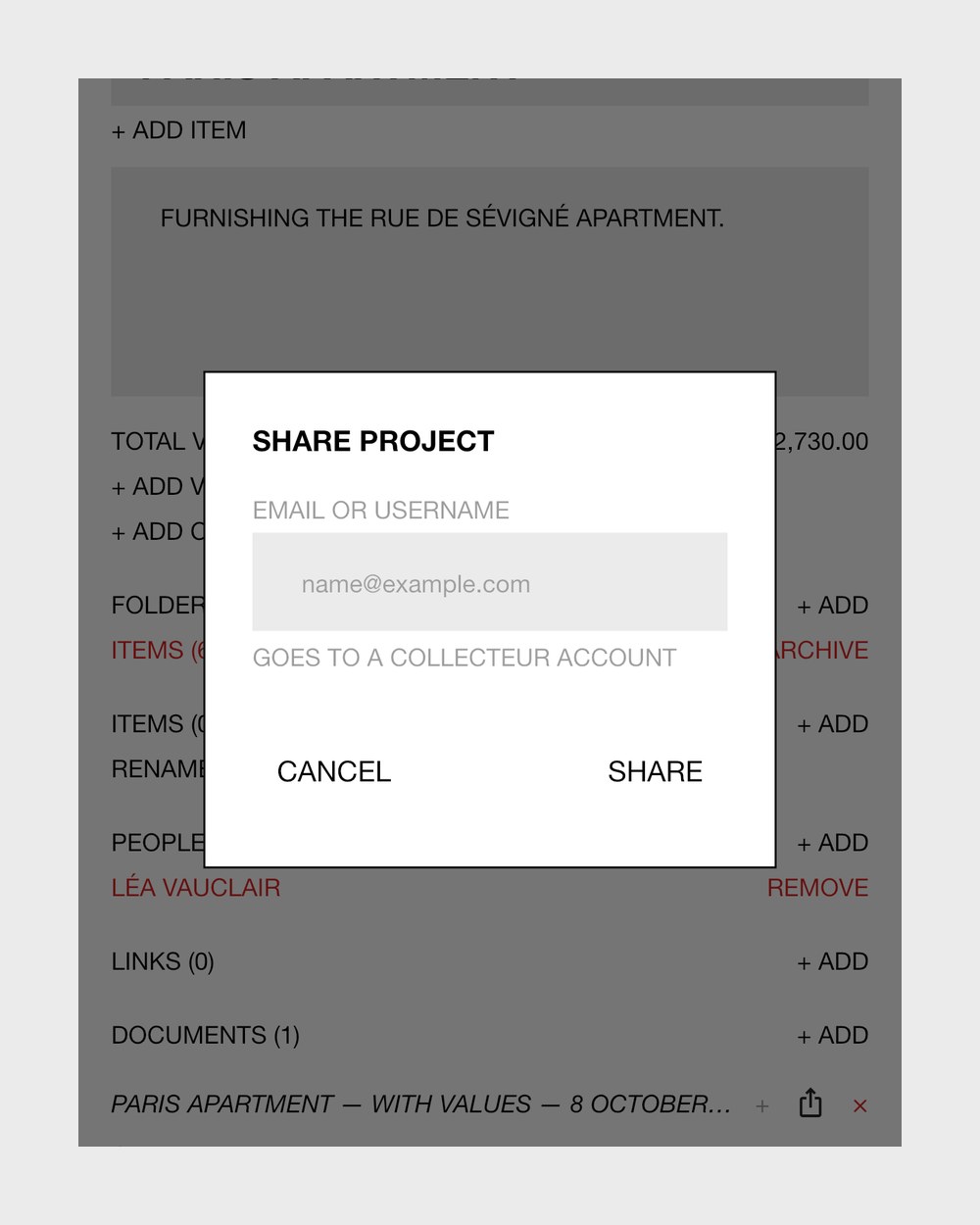
Shared foldersShare a folder with another Collecteur user, view only or with editing rights; editors can add objects too. 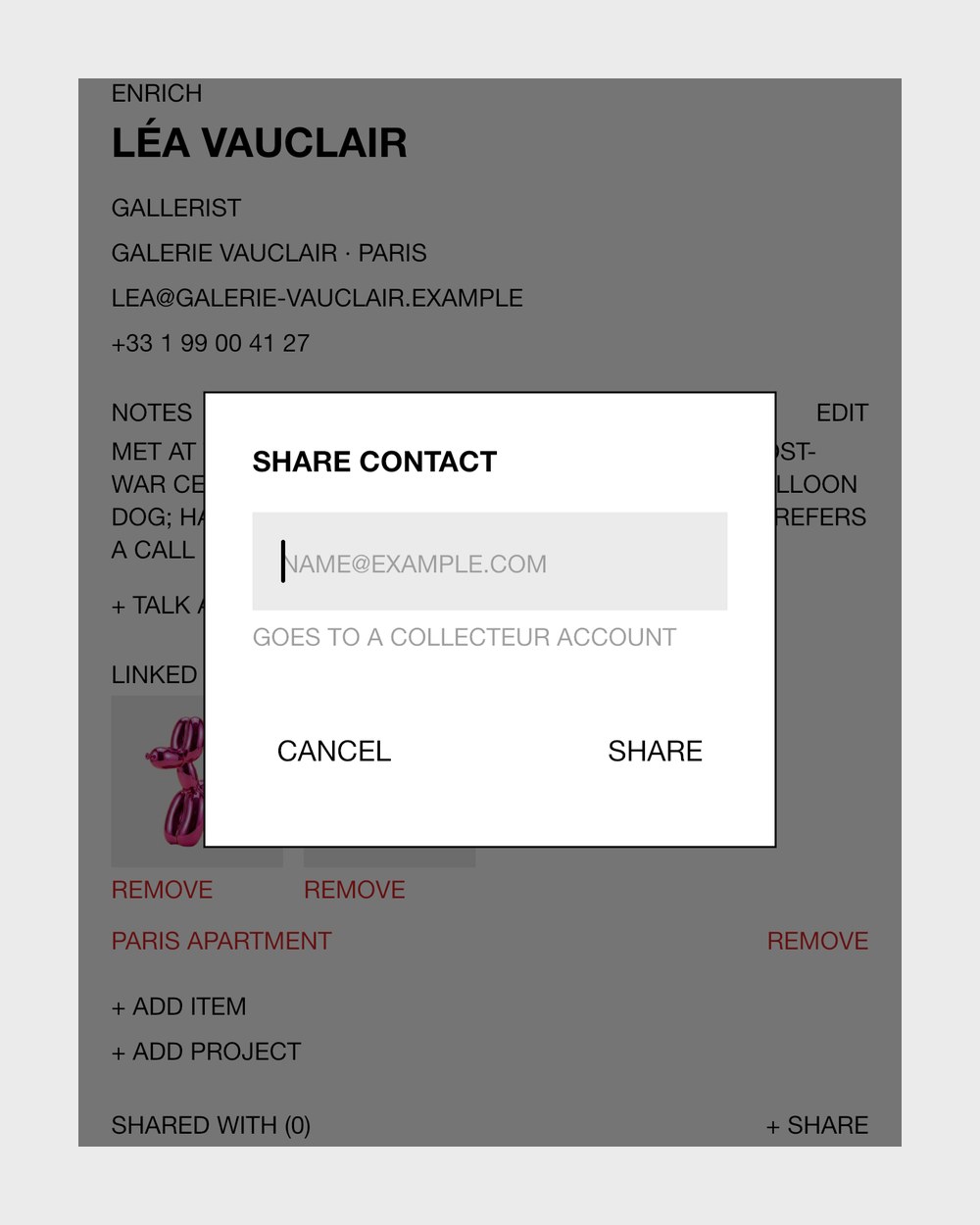
Share contactsShare one or several contact cards with another Collecteur user. 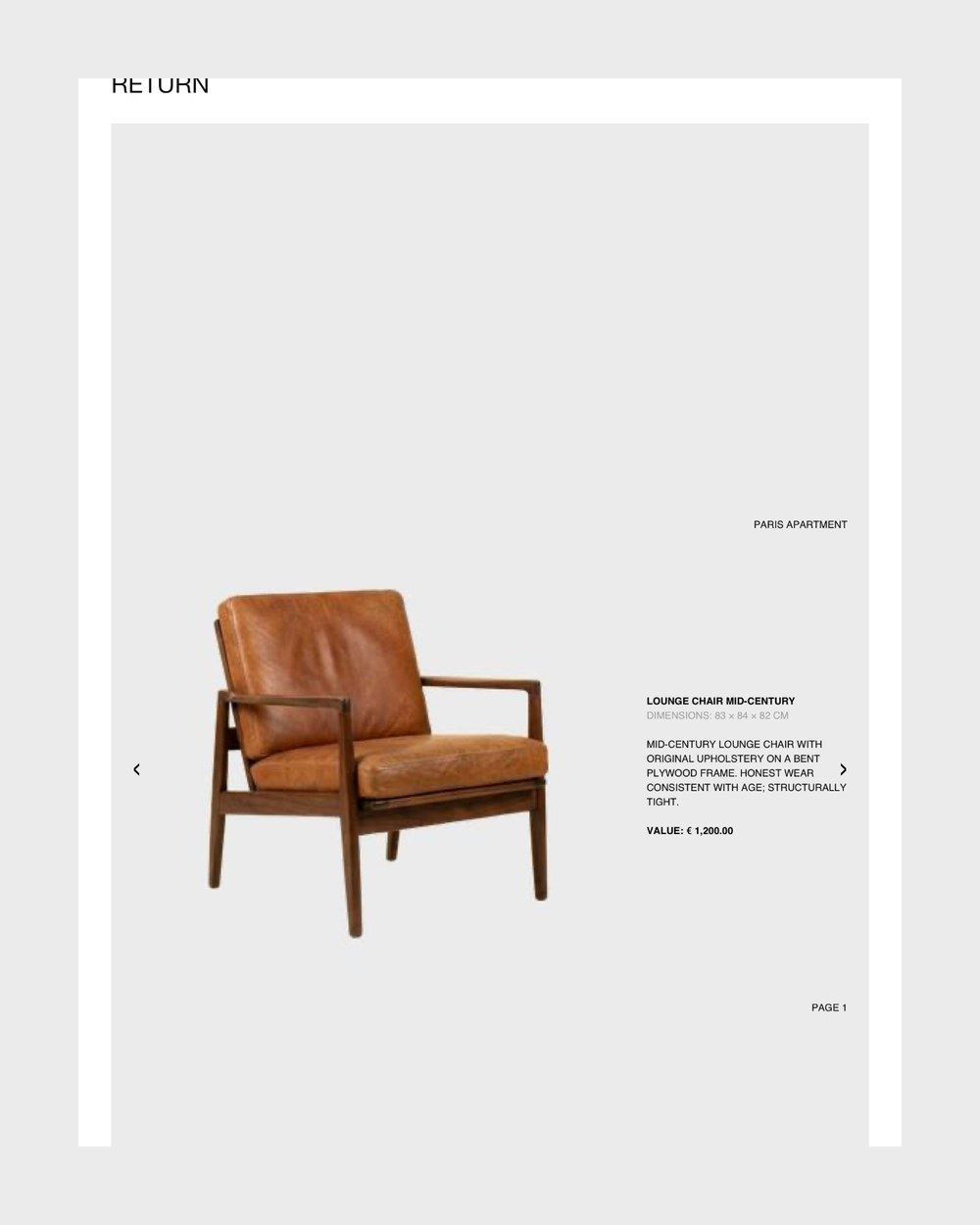
PDFsTurn a folder into a PDF list or a one-object-per-page presentation, or your contacts into a PDF directory.
- You choosePublish each object or folder, set your whole profile public or private, and preview it as visitors see it.
07 Sell
From the record to an eBay listing, through your own account.
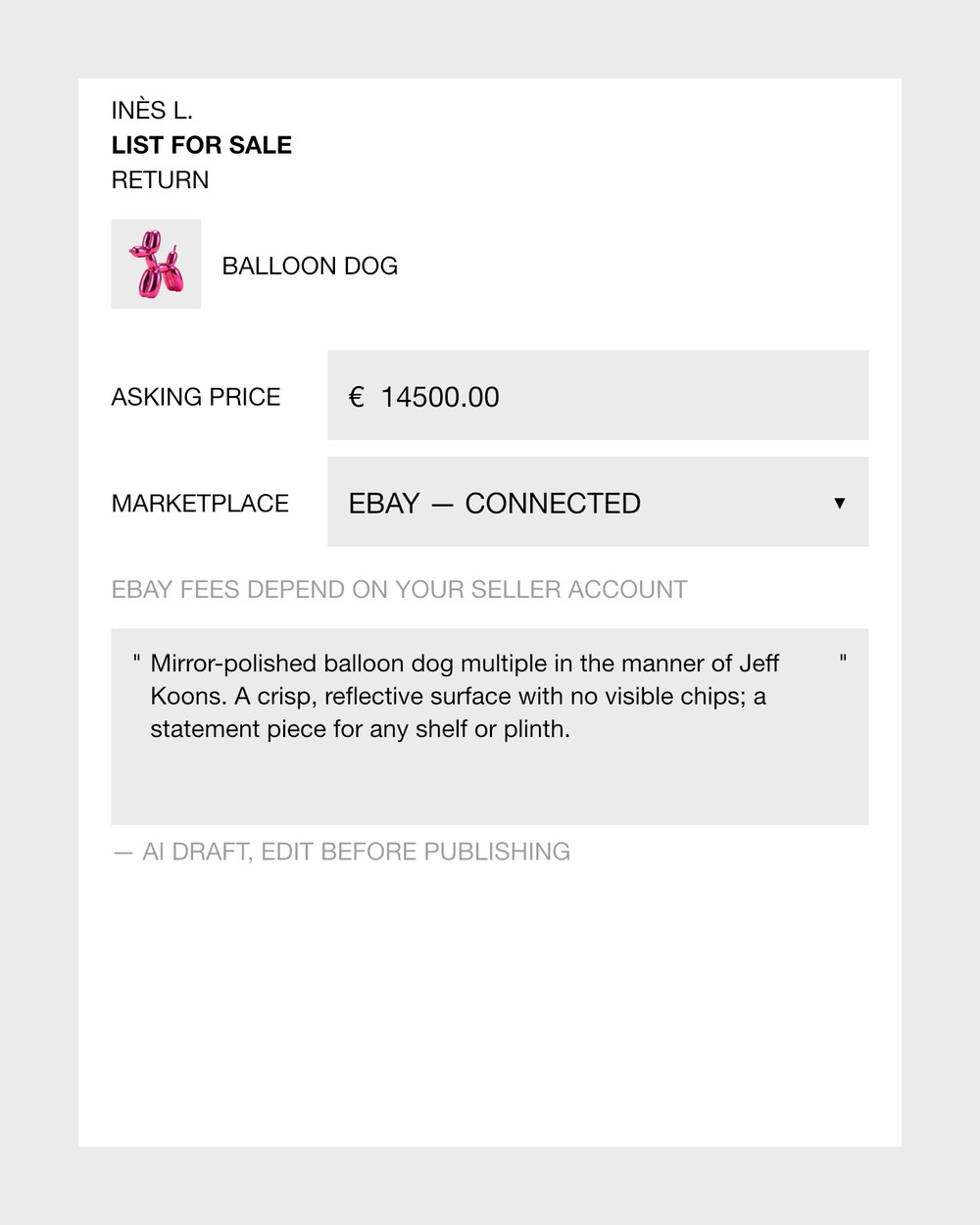
eBay listingList an object on your own eBay account with a drafted text you can edit; the AI cover and AI-repainted photos are never sent.
- Your listingsSee each listing's status, open it on eBay or take it down; the object stays in your catalogue.
08 Your account and data
Signing in, languages, and what happens to your data.
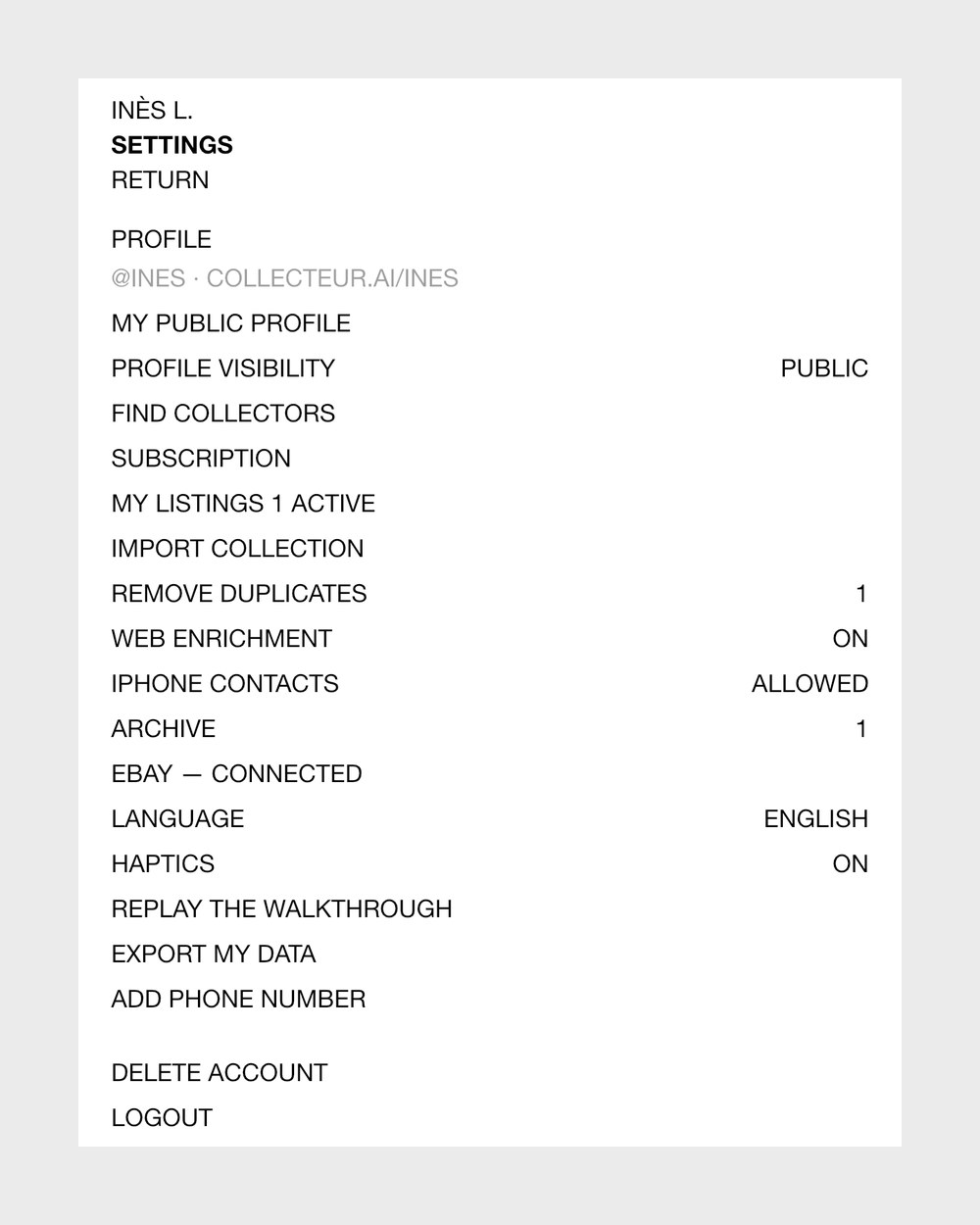
Export and deleteGet a zip of your objects, folders and contacts with the original object photos, or delete your account yourself.
- No passwordsSign in with Google or a one-time code, and with Apple in the app; there is no password to remember.
- Languages and devicesIn English, German or French, on iPhone and iPad, or in any browser at collecteur.ai.
- Archive and restoreDeleting an object asks whether to archive it or delete it for good; folders and people are archived, and anything archived can be restored.
- Clean photosPhotos are re-encoded before upload, which leaves their location and camera data behind.